


Create Receptionist
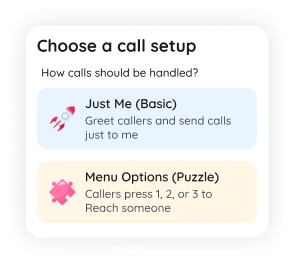
Choose a simple greeting or build a full IVR menu
Mobile IVR Builder & Virtual Receptionist
Create a virtual receptionist, auto attendant, or IVR phone menu from your phone. Add welcome messages, opening hours, call routing, voicemail, calltones, AI bot, and multiple phone numbers in minutes.
SimBuster Receptionist is a mobile IVR builder and virtual receptionist app for creating greetings, call menus, routing, voicemail, AI answering, calltones, and business number flows without PBX hardware.
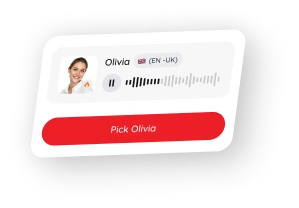
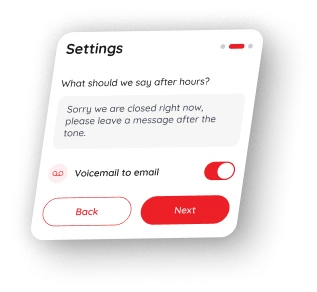
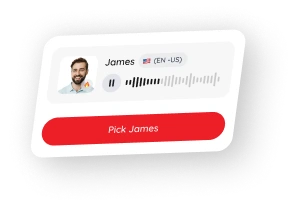
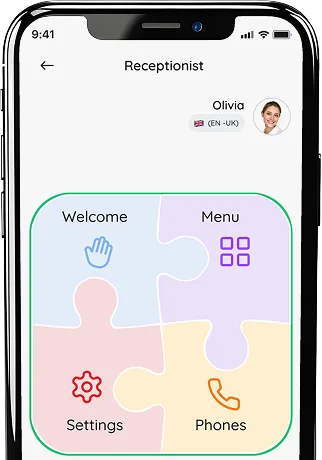
Build your receptionist with visual puzzle blocks, choose a voice, then launch it on your phone number
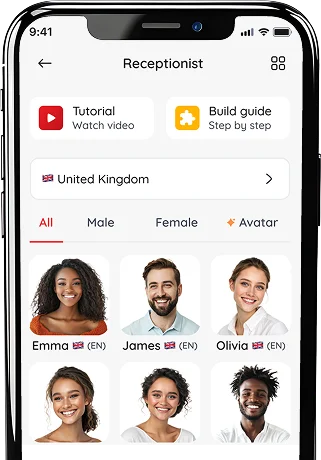
Choose a professional avatar or celebrity-style voice for your receptionist
Build your Receptionist with puzzle blocks, then fine-tune your CallTone
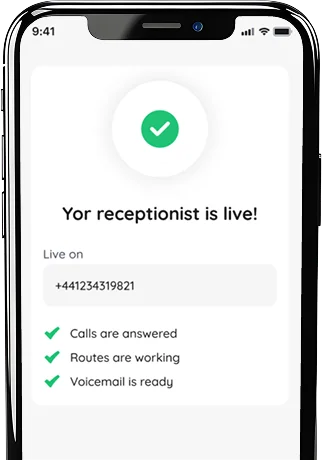
Test your line, publish your receptionist, and start answering calls
Watch how to create a welcome message, IVR menu, call routing, and voicemail from your phone.
Choose a simple greeting or build a full IVR menu
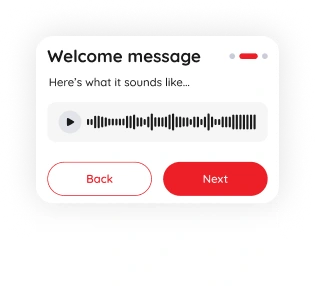
Generate a professional voice greeting

Send calls to yourself, your team, AI bot or a phone

Test the line, change settings and update anytime
Create call flows with simple puzzle-style blocks
A visual call-flow builder designed for mobile phone systems.
Manage your receptionist, numbers, and routing in the app
Get a professional phone receptionist without complex setup.
Choose a natural voice for your receptionist greeting, menu prompts, and after-hours messages

Calm, professional

Deep, confident

Calm, friendly

Calm, friendly
Add or remove business phone numbers anytime
Set business hours, after hours messages and routing
Forward calls to your phone, team, voicemail, or AI bot

Add branded intro music before callers connect
Add music clips, brand tones, or short audio before and after greetings to make every call more memorable

Connect local, mobile, toll-free, and international numbers
Let AI answer common questions when your team is busy.
Add branded audio before routing callers to the right place.
UK mobile, geographic (01/02), non-geographic (03), and premium (08/09) numbers.
Yes. Choose local, mobile, national, toll-free, or starter magic numbers for business, travel, privacy, or app sign-ups.
You can connect Receptionist to supported numbers, greet callers, route calls, and update menu options whenever you need.
Yes. The AI assistant can answer calls, take messages, and give you call transcripts so you can follow up later.
Yes. Use separate business numbers, call routing, Receptionist, voicemail, and AI call handling from one app.
Get your eSIM in seconds and enjoy simless internet wherever you are.
